AI Video That Doesn't Look Like AIGenerative Video Workflow
A finished, high-quality video from a transcript in three days, by stitching image, video, and voice models into one repeatable workflow.
- Role
- Designer-Builder (workflow design, generation, edit)
- Team
- Solo
- Timeline
- 2026
- Platform
- Freepik Spaces, Google image gen, Veo 3, Grok, ElevenLabs, Premiere Pro
- 3 days
- Per-video turnaround
- 6
- Tools, one pipeline
- 1
- Shipped (new process)
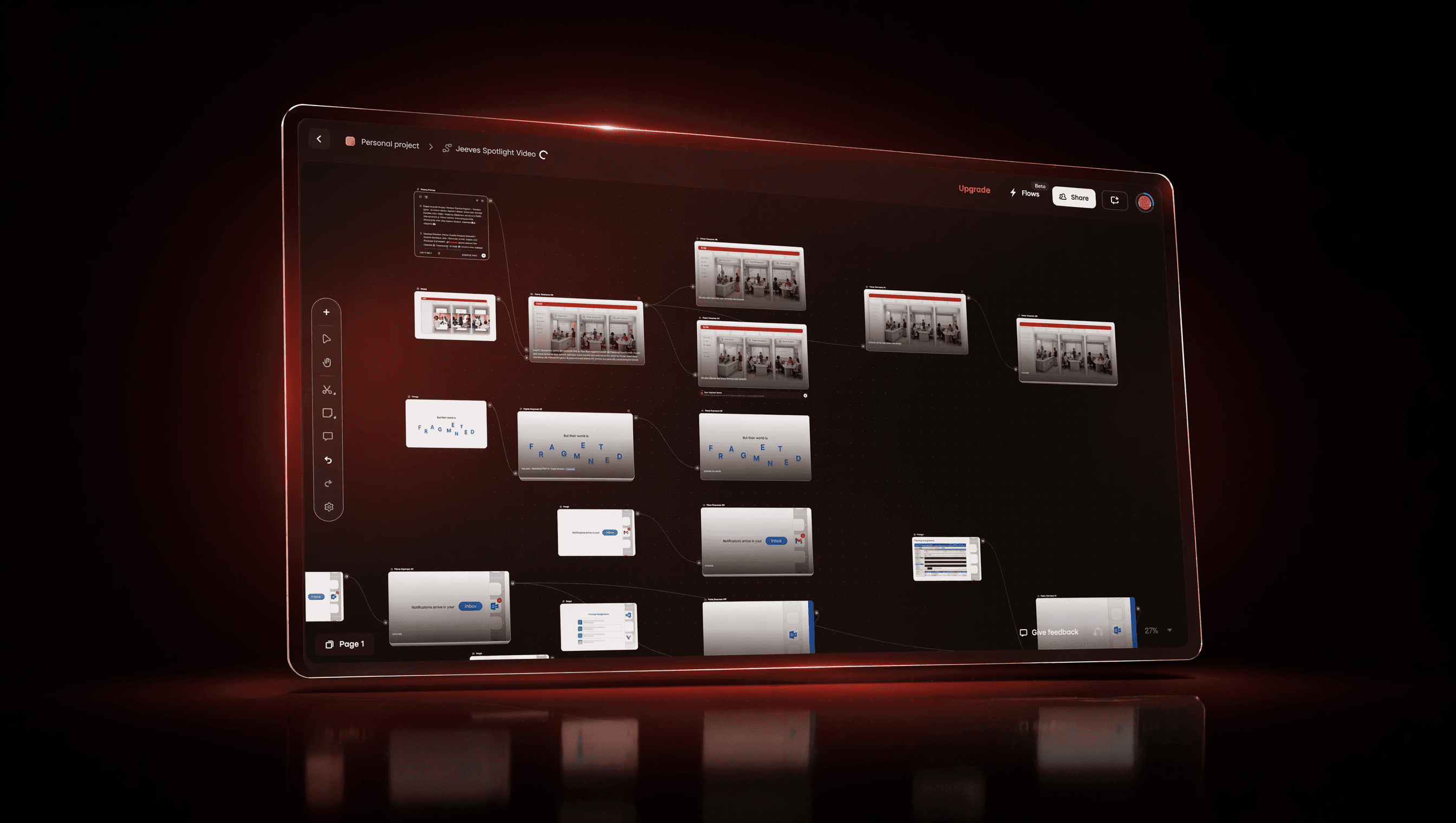
I wanted cinematic, fully-generated video without the usual AI mess, so I chained image, video, and voice models into one process: transcript in, a finished, voice-synced film out in three days.
01 · Context & problem
Generated video usually looks generated
AI video is fast and almost always obvious. Text on screen melts into nonsense, shots drift in ways nobody asked for, and the voice never quite lands on the picture. The shortcut that was supposed to save time produces something you cannot actually ship. I wanted the speed of generation without the tell-tale mess, so the output would pass as real, intentional video.
So I treated it as a workflow problem. Instead of asking one tool to do everything, I broke the job into stages and chose the best model for each.
02 · Role & process
From transcript to finished film, stage by stage
I designed the chain, ran every stage, and assembled the result by hand.
Broke down the transcript
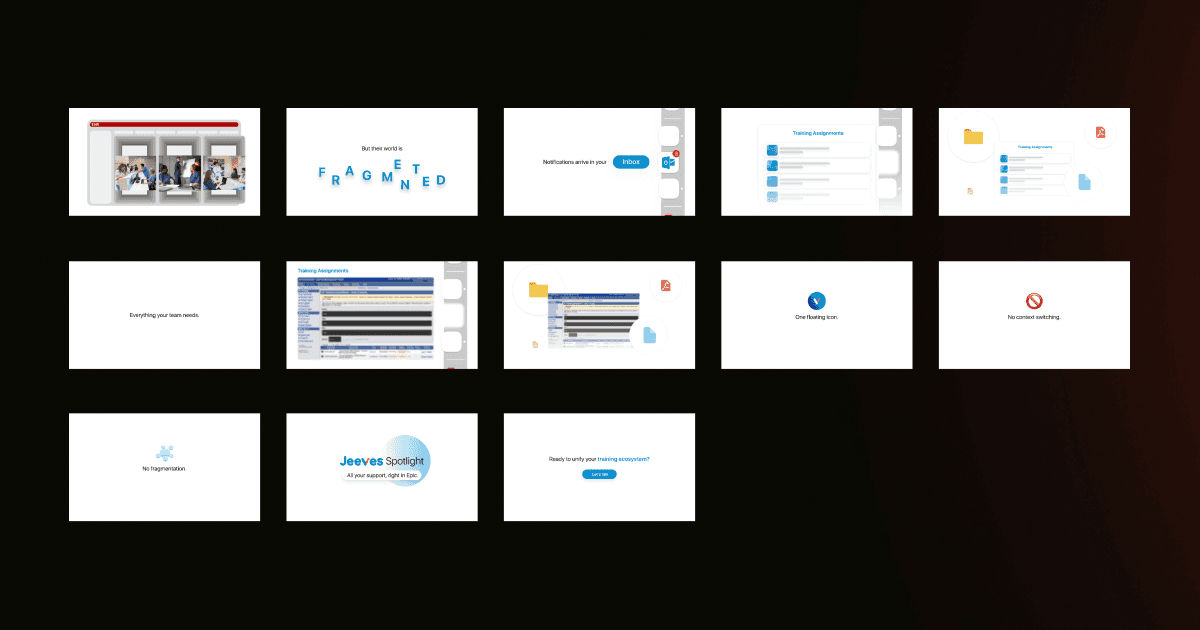
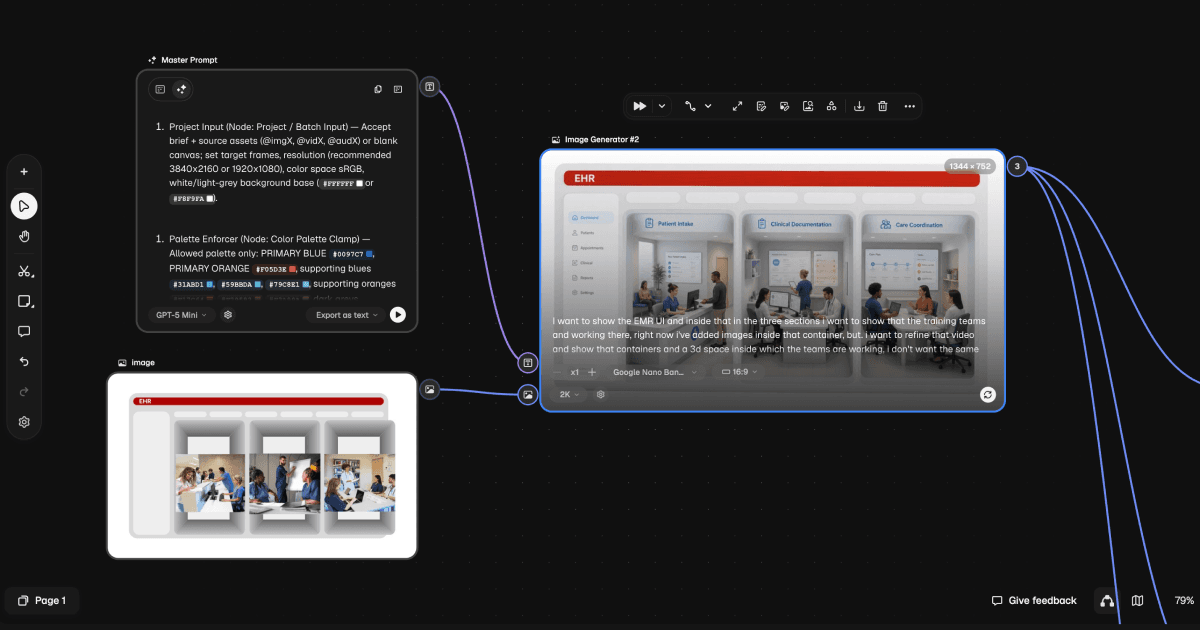
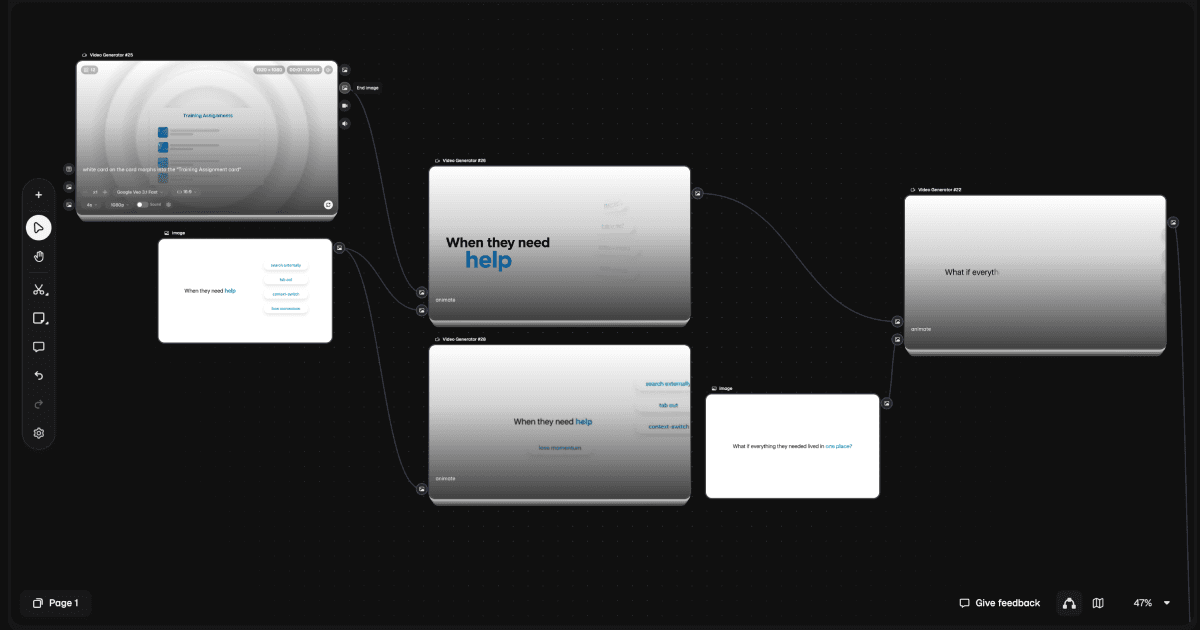
Generated the frames
Turned frames into motion
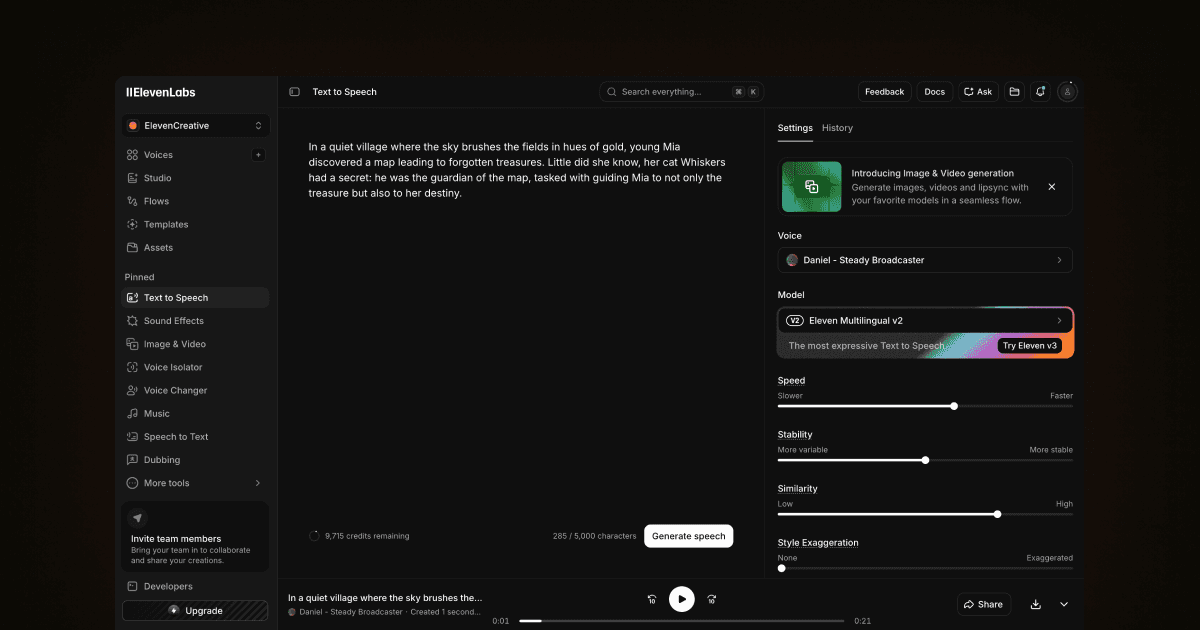
Generated the voiceover
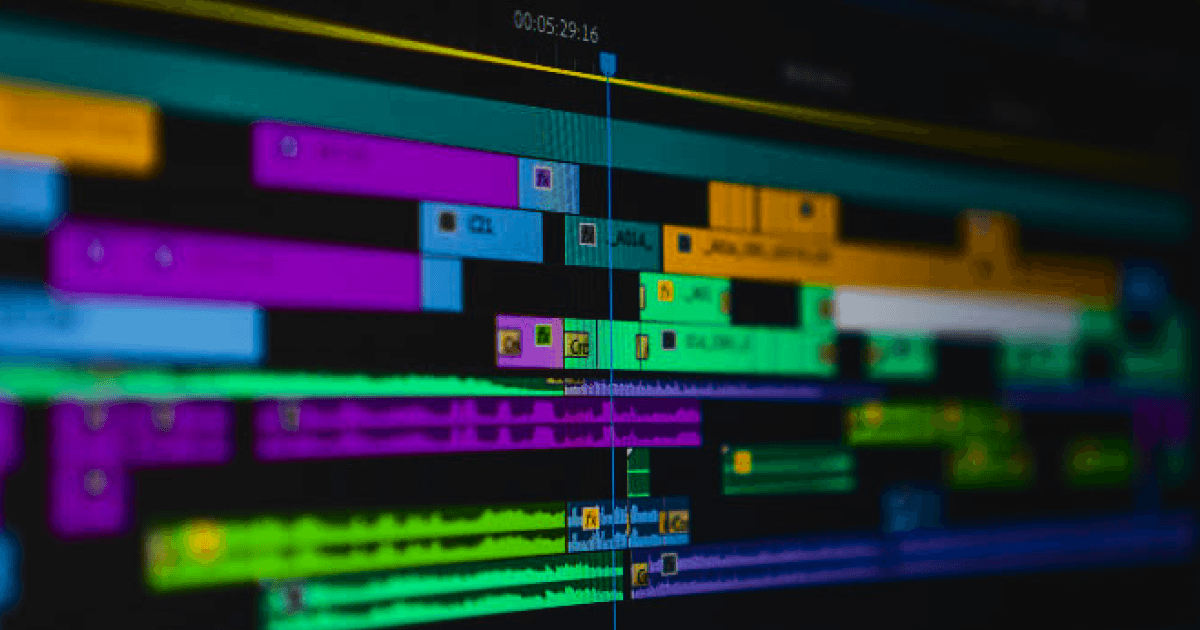
Cut it together
03 · Key decisions
Three calls that kept the seams hidden
Storyboard in images before touching video
What. I broke the transcript into discrete image prompts and generated still frames first, then animated them, rather than prompting for video directly.
Why. Stills are cheap to judge and re-roll. Locking the look frame by frame meant the composition was already right before I spent time on motion, where mistakes are far more expensive to fix.
Tradeoff. It is more steps than typing one video prompt and hoping.
Result. Every shot was art-directed as a still first, so the final film looked deliberate instead of dreamed-up.
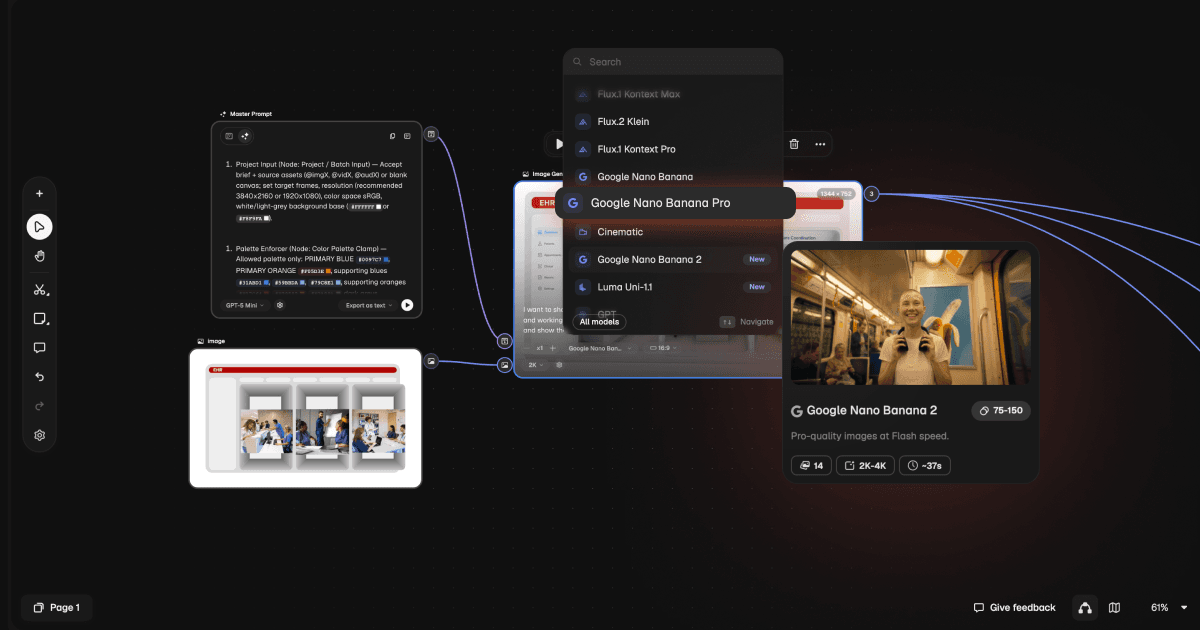
Pick the model that gets text right
What. For any frame with words on screen, I generated it with Google's image generator inside Freepik rather than the default model.
Why. Garbled on-screen text is the single fastest way to out a video as AI-made. Choosing the model that renders legible type killed that tell before it could happen.
Tradeoff. Bouncing between models per shot instead of staying in one.
Result. On-screen text stayed readable and real, so nothing in the frame screamed "generated."
Control motion with first and last frames
What. For the image-to-video step I handed the generator both the opening and closing frame of each shot and let it fill the motion between them, using Veo 3 and Grok.
Why. Left alone, video models wander. Pinning the start and end gave me a clip that began and ended exactly where I needed, so the next shot connected cleanly.
Tradeoff. Preparing two anchor frames per shot is more setup than a single prompt.
Result. Clips cut together without drift, and the sequence held continuity across the whole video.
04 · Solution & artifacts
One pipeline, six tools
The workflow runs end to end: the transcript becomes a list of image prompts, Freepik Spaces (with Google's image generator for text-heavy frames) produces the stills, Veo 3 and Grok animate each frame from a first/last keyframe, ElevenLabs voices the script, and Premiere Pro assembles it all, where I stretch or compress clip pace to sync picture to voice. The result is a high-quality video that does not look generated.
05 · Impact
Three days, end to end
- 3 days
- Per-video turnaround
- 6
- Tools, one pipeline
- 1
- Shipped (new process)
The first video made with this process went from transcript to finished film in three days, at a quality I would actually put in front of a client. I worked the method out recently and have shipped one video with it so far; the point of writing it down as a pipeline is that the second one will be faster than the first.
06 · Reflection
What I'd carry forward
The lesson was that "AI video" is not one button, it is a chain of small, deliberate choices: storyboard in stills, pick the model that gets text right, anchor every shot with its first and last frame. Doing the assembly in Premiere by hand is the part I would automate next, so the three days collapse further without giving up the control that keeps the output from looking generated.